

See it working before you buy.
The system overview and getting started. Set-up guides and software demos are below.
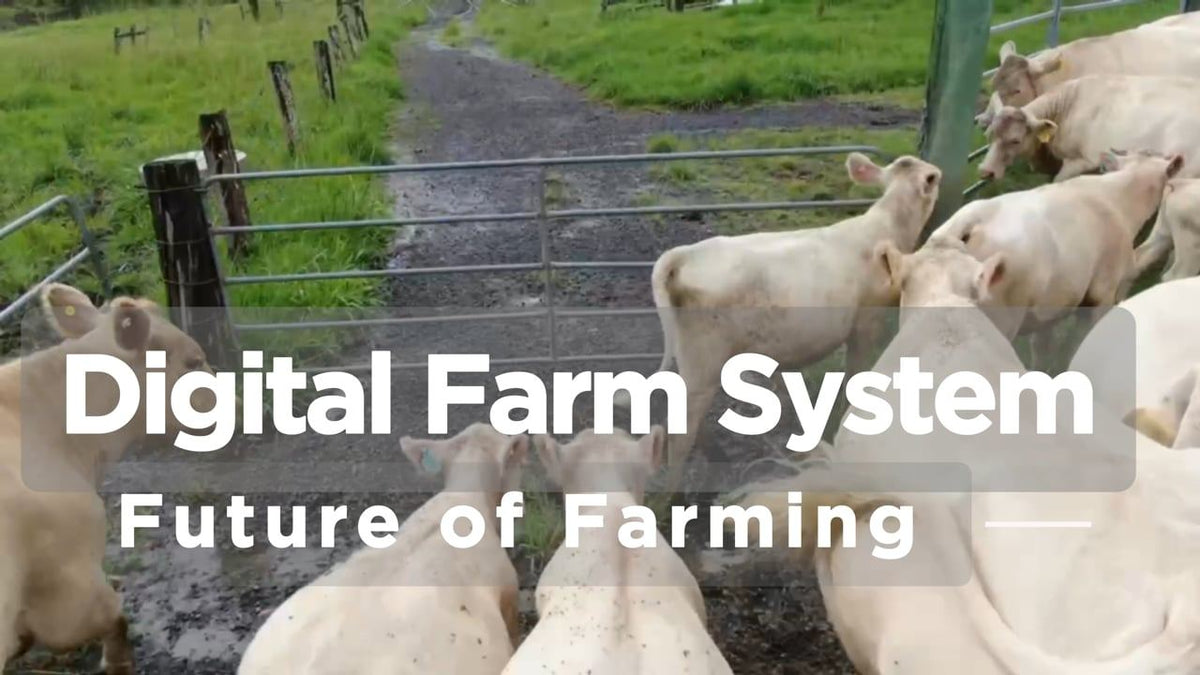
Digital Farm System Overview
Easy set-up and simple to operate with a seamless Bluetooth integrated system. How it works in the yards.
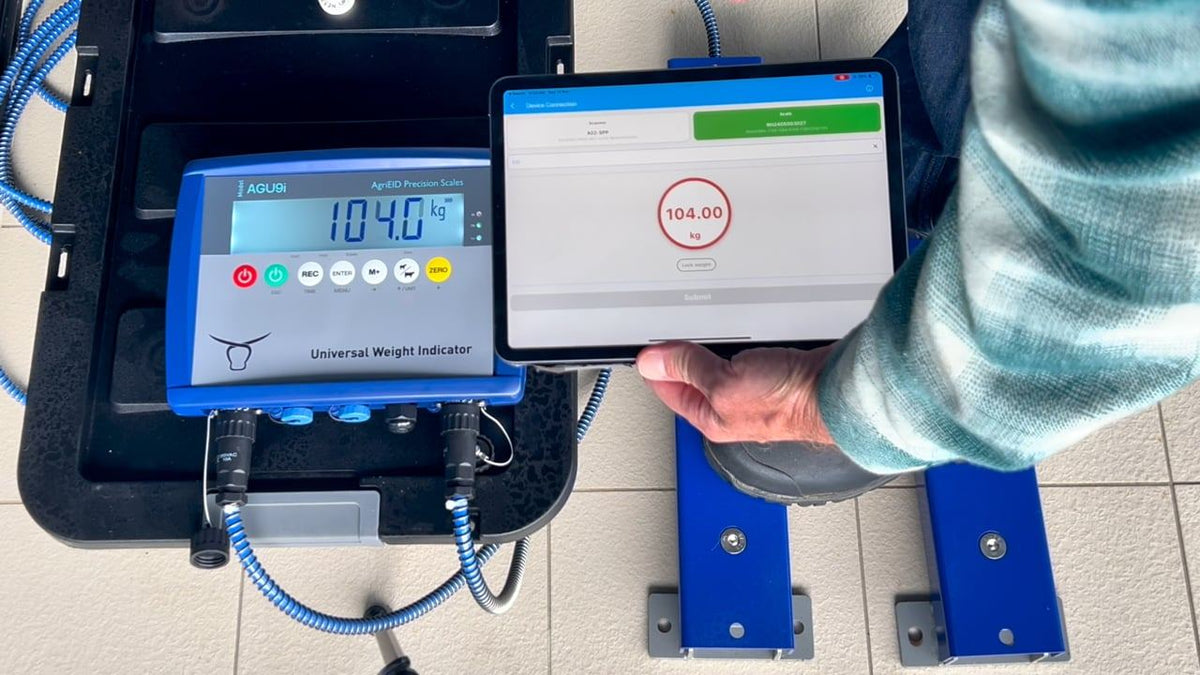
Getting Started with Your DFS
Unboxing, pairing the indicator and reader, and your first weigh session. See also the new user set-up guide.
Setting up and using the system
Short guides from the AgriEID support pages.
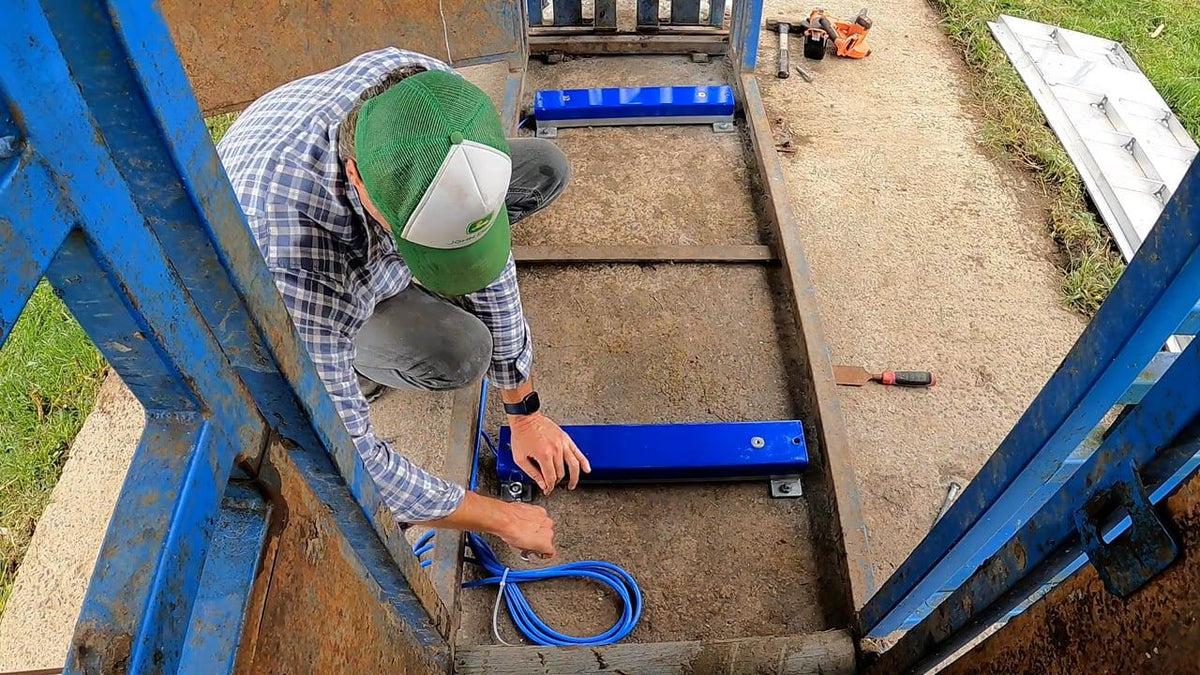
Installing the load bars
Load bars under a platform in a cattle crush: secure them to a concrete pad with dynabolts, then attach the platform.
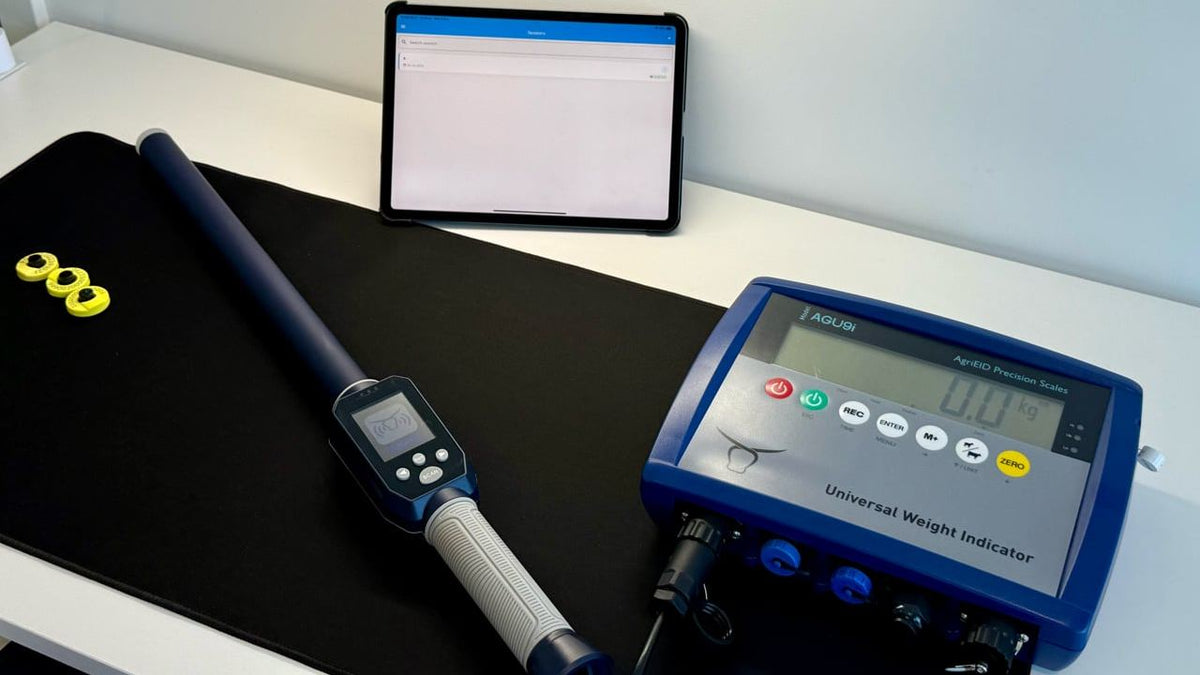
A session with reader and scales
The reader and the scales both paired to AgriEID Lite, recording tag and weight together.
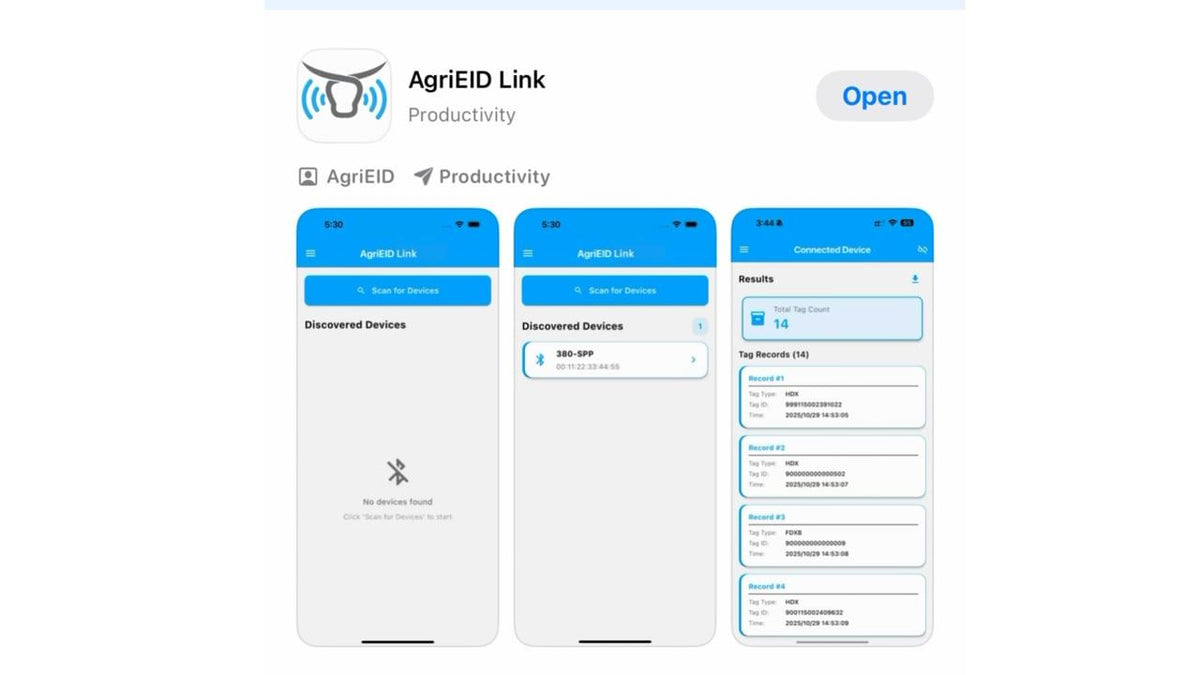
Export tags with AgriEID Link
Download every tag number stored on the reader to your phone as a CSV.
Apps and cloud software
The free apps and the cloud platform that come with the system.
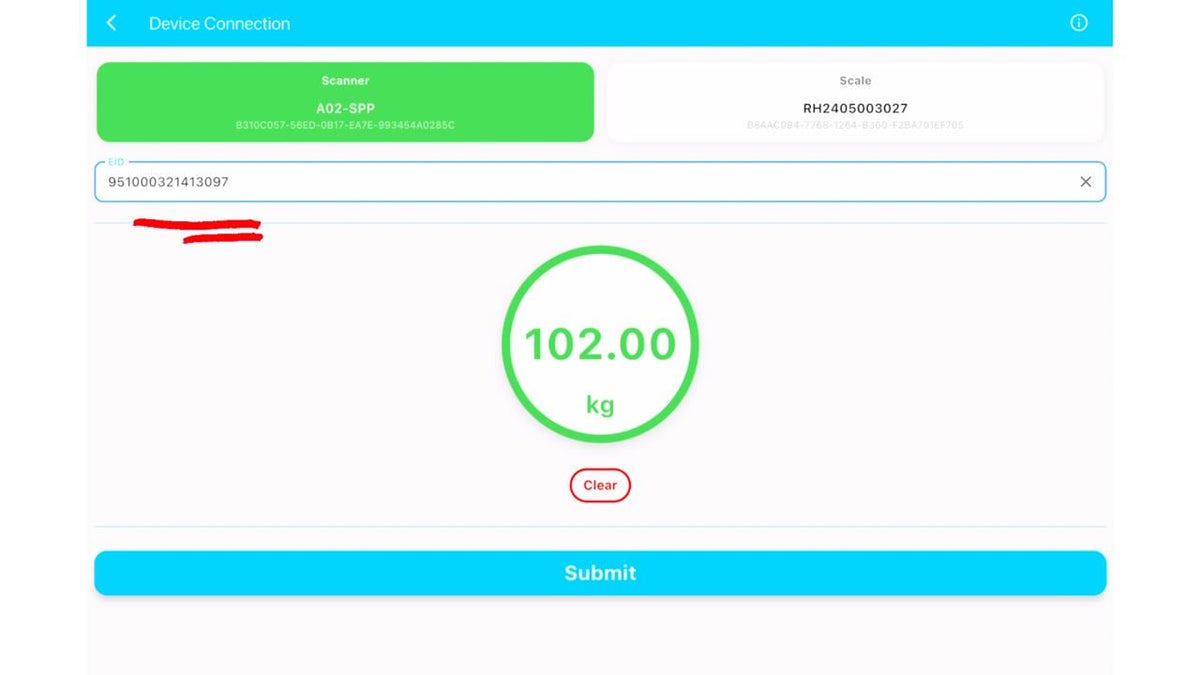
AgriEID Lite set-up guide
Setting up the free app on an Apple or Android phone or tablet and connecting your scales and reader.
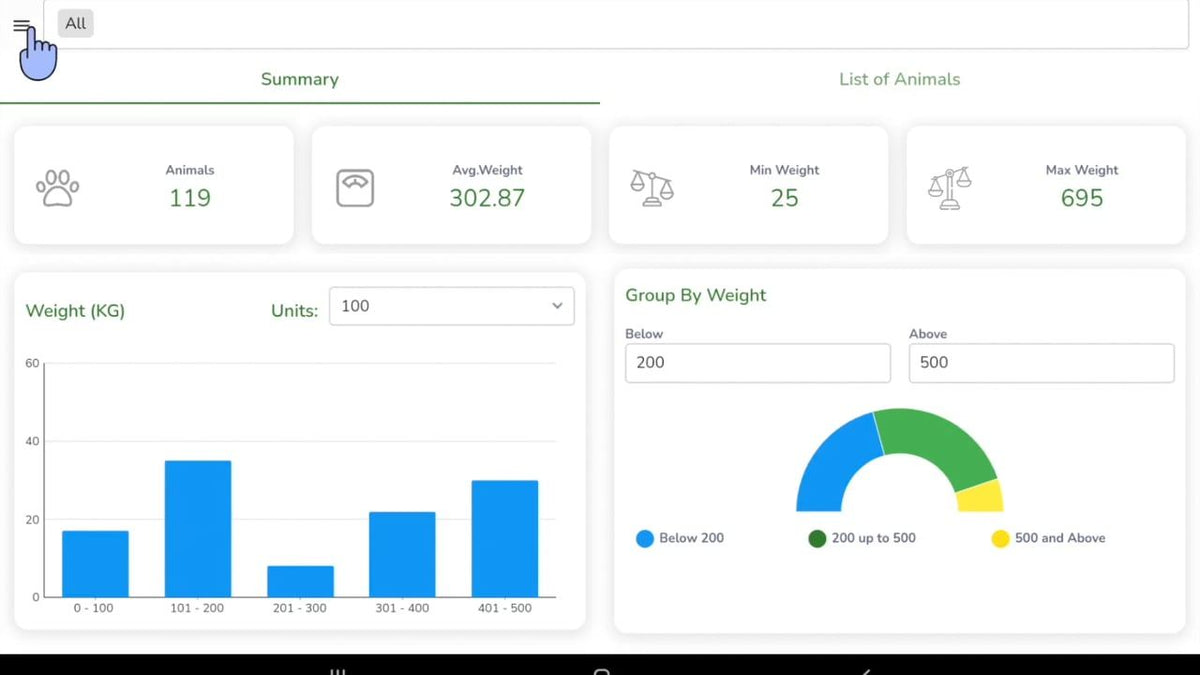
AgriEID Pro app
Do the day's livestock work in the yards or paddock, with a full copy of your farm records on your phone, then sync when you are back in range.
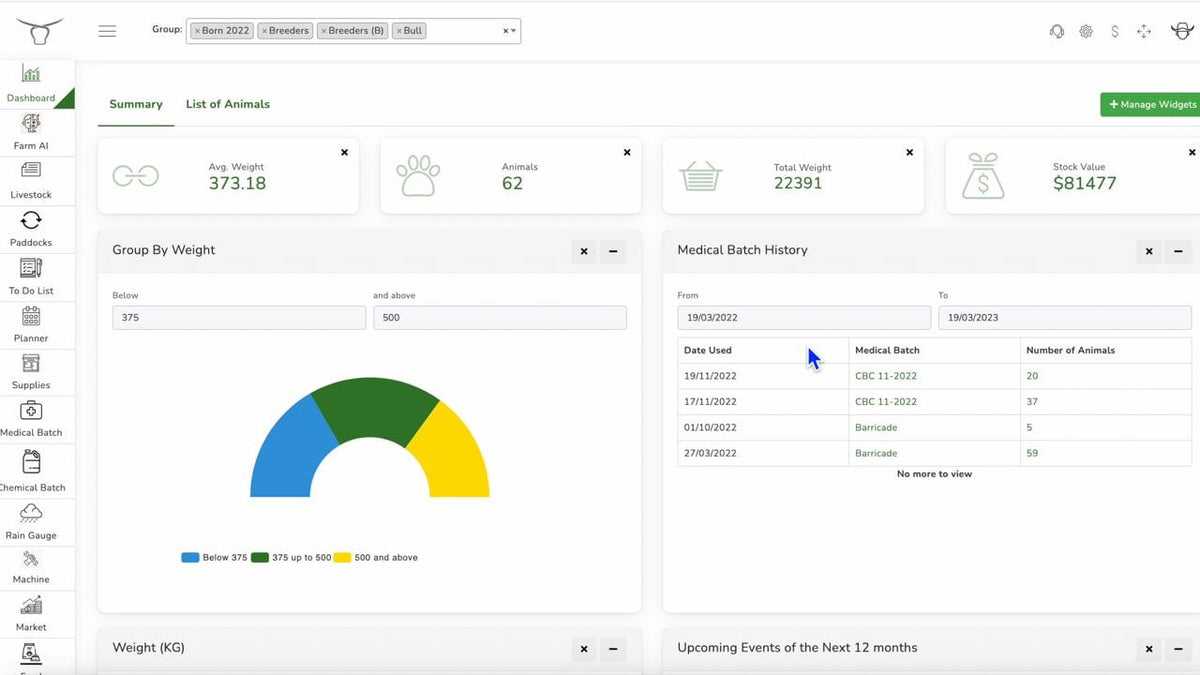
AgriEID Cloud: all 12 modules
A full tour of the cloud platform.
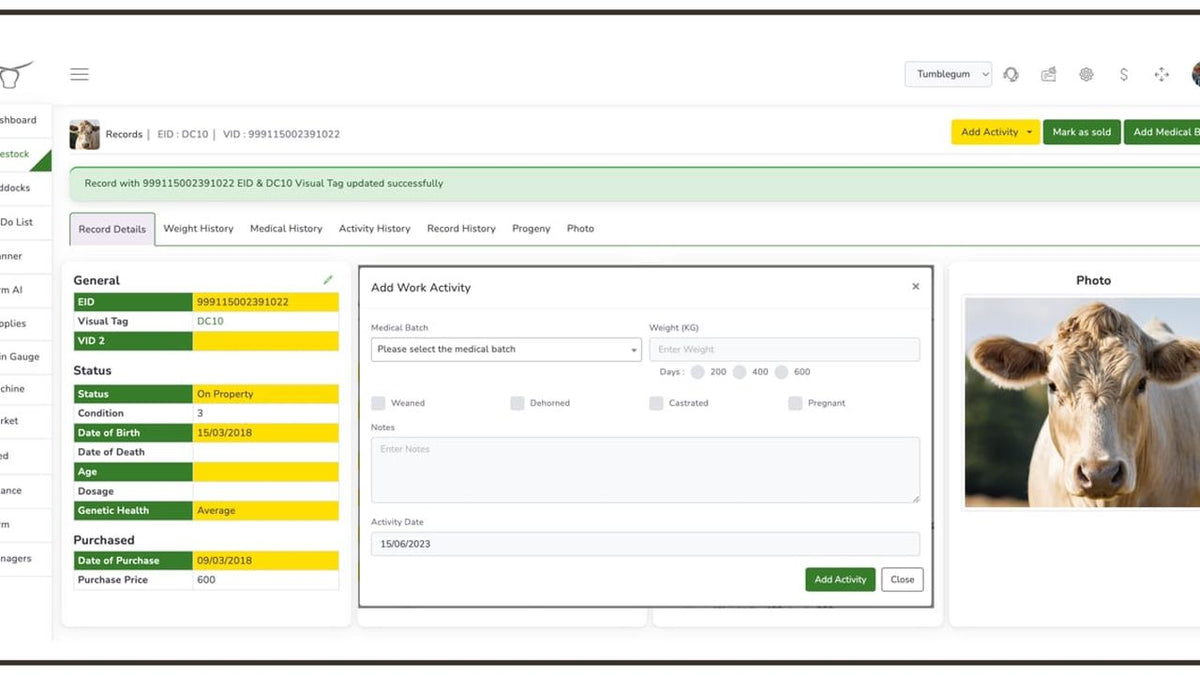
Livestock module
Weight records, average daily gain, treatments and births for every animal.
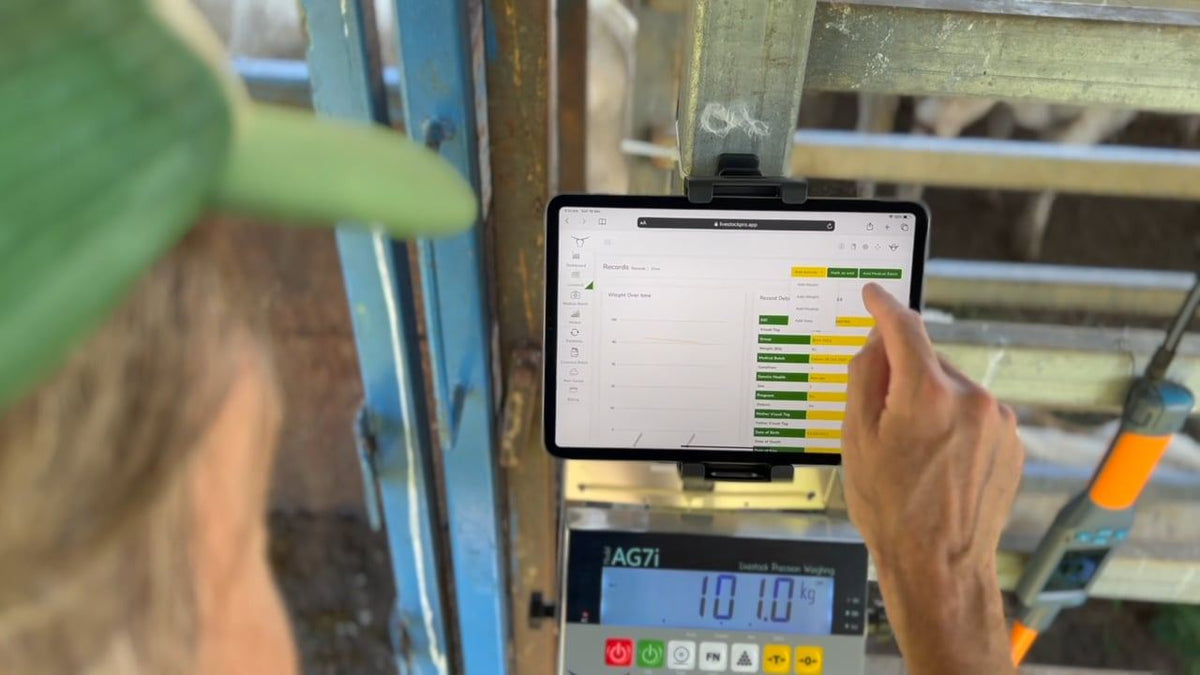
Weight records and daily gain
Adding weight records, with average daily gain worked out for you.
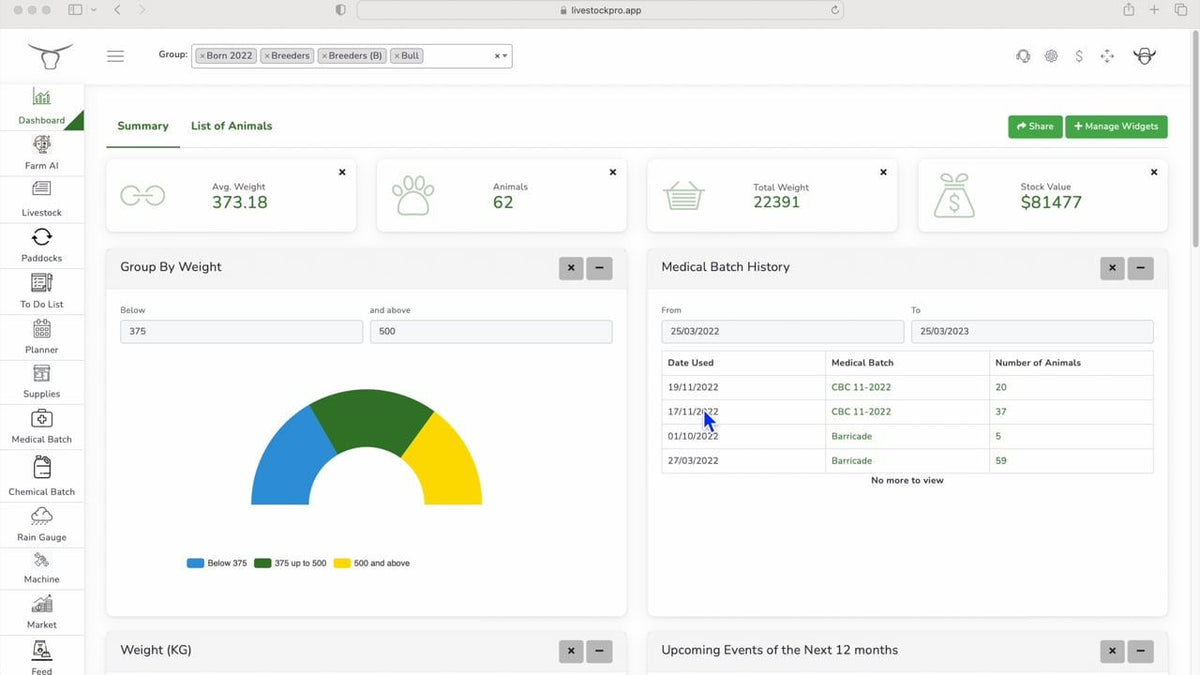
Medical batches
Create a medical batch and allocate it to one animal or a whole group.
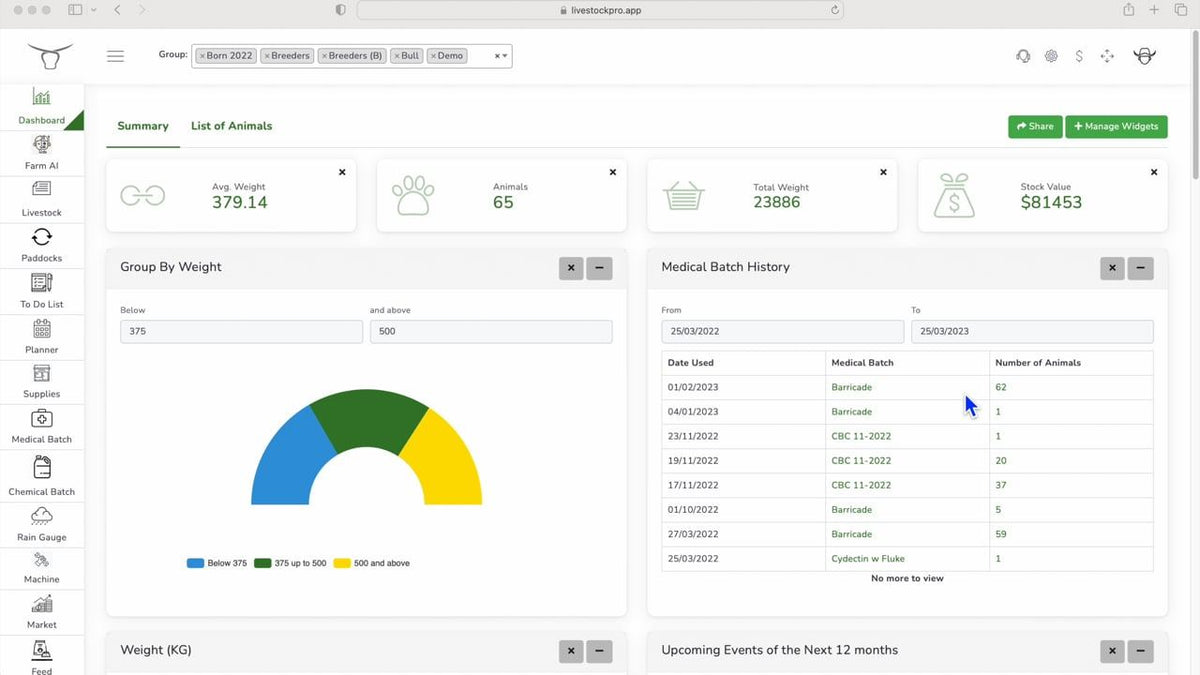
Farm dashboard
The farm and livestock dashboard: herd value, last treatments and daily gain at a glance.
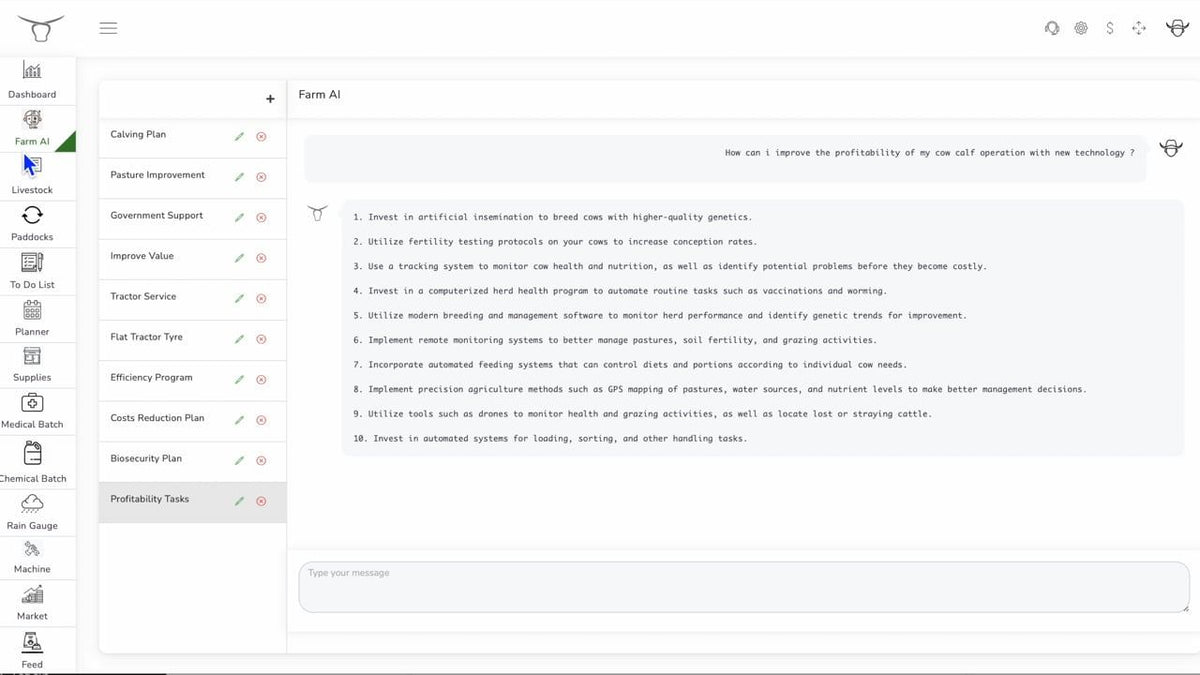
AI Farm Chatbot
Ask the AI farm assistant about your herd, pasture and plans.
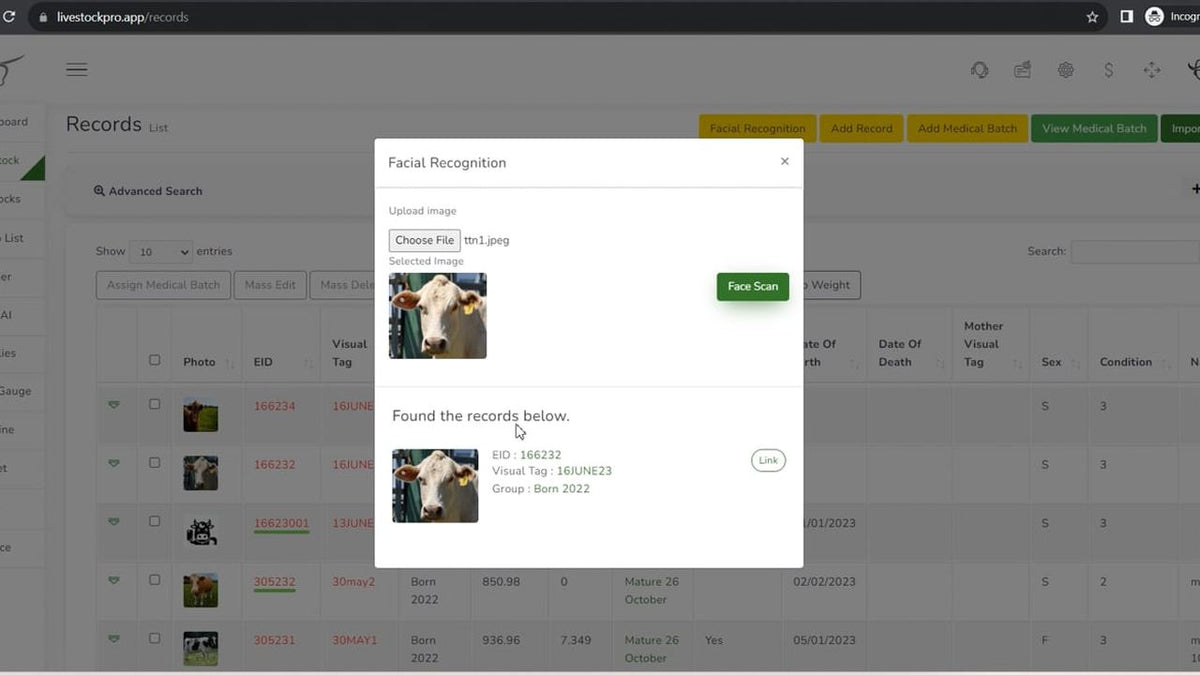
Facial recognition
Upload photos of an animal, then use a photo to bring up its record.